ABOVE Controls
Official PC keybinds from the Roblox listing, plus how they matter for farms and visits.
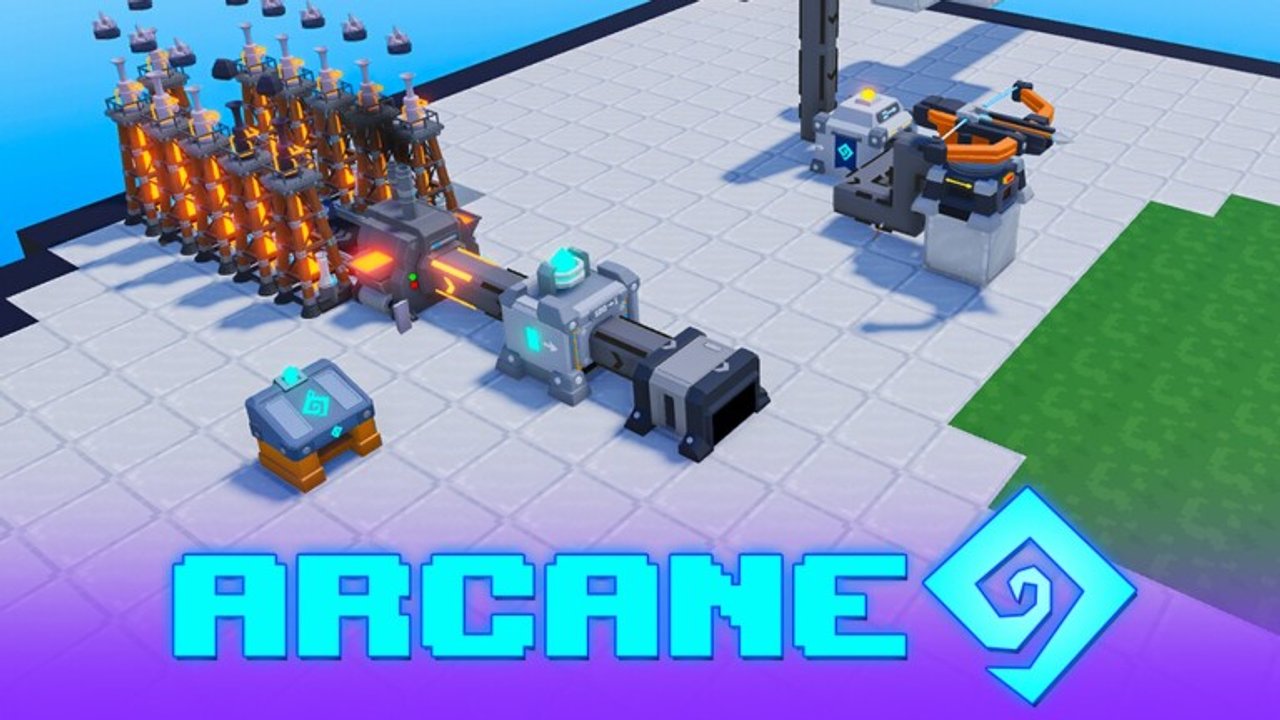
ABOVE publishes its PC control scheme on the Roblox experience description. Memorizing these binds early makes farming, machine placement, combat, and island visits much faster. This page mirrors the listing controls, then explains how each bind shows up in real play — from rotating a harvester on an auto farm to pressing L when you visit friends. Mobile and gamepad layouts can differ by device; when in doubt, check the in-game prompt labels on your platform.
Official PC controls
| Input | Action |
|---|---|
| Left mouse button (LMB) | Break and place blocks; chop, mine, or attack |
| 1–9 | Select a hotbar slot (press again to put it away) |
| E | Backpack |
| R | Rotate |
| F | Pick up items |
| G | Use the nearby prompt (workbench, chest, machine) |
| Q | Drop the equipped item |
| Shift | Sprint |
| Left Ctrl | Shift lock |
| L | Visit islands |
| F1 | Hide UI |
These bindings come from the public Roblox listing for ABOVE by Above Game. If a patch changes a key, trust the live listing and in-game prompts over any outdated screenshot.
Why each bind matters on a farm island
LMB — break, place, chop, mine, attack. Everything physical runs through left click context. You till and build with it, gather resources with it, and fight Ruins enemies with it. Before you enter Ruins, practice swapping from a build tool to a combat tool without opening menus.
1–9 — hotbar. Keep seeds, water pieces, harvesters, conveyors, and a weapon in predictable slots. Pressing the same key again puts the item away, which helps when you need empty hands for prompts. A clean hotbar is free speed on every onion build session.
E — backpack. Inventory management decides whether you can empty a full chest after an AFK growth cycle. Open the backpack before merchant trips so you are not stranded with no space for picks.
R — rotate. This is the auto farm keybind. Harvesters that face the wrong way dump crops on the ground instead of the belt. Rotate while placing, watch the first harvest ticks, and fix facing before you stack floors. The auto farm guide repeats this warning for a reason.
F — pick up. Drops on the ground are lost income and lost crystals. After harvest mistakes or Ruins fights, sweep with F before you walk away.
G — nearby prompt. Chests, workbenches, and machines use prompts. When a factory looks powered but will not open, step closer and use G rather than breaking the block in frustration.
Q — drop equipped item. Useful for quick rearranging, dangerous if you drop something expensive near an edge. Look where you stand.
Shift — sprint. Cross larger islands and dodge slime tells faster. Sprint also helps when you are racing to empty overflow chests before belts jam.
Left Ctrl — shift lock. Camera lock helps precise placement and combat tracking. Toggle it when aligning long conveyor runs or facing a named Ruins encounter.
L — visit islands. Social and co-op flow starts here. See Islands and Co-op for guestbooks, Friend Totem, and co-op slot notes.
F1 — hide UI. Useful for screenshots of your factory skyline or for a cleaner combat view. Remember to toggle UI back on before you miss a prompt.
Learning order for new players
- Movement, sprint, and camera comfort (Shift, Left Ctrl).
- Hotbar discipline (1–9, E).
- Place and break accuracy (LMB).
- Rotate mastery for machines (R).
- Pickup and prompts (F, G).
- Visit flow (L) once your home island will not overflow while you are gone.
- Combat swaps for Ruins once money surplus exists.
Follow Getting Started in parallel so controls practice happens on real wheat and candy corn cycles instead of an empty creative sandbox mindset.
Controls during automation builds
When you copy a stacked farm:
- Rotate every harvester deliberately.
- Use prompts to verify chests and machines after placement.
- Pick up stray drops immediately so you can see whether the belt is actually working.
- Hide UI briefly only after the line is proven; you need prompts visible while debugging.
Dense iron factory rows punish sloppy rotate and prompt use. Leave corridors so you can stand where G works cleanly.
Controls during co-op and visits
Press L to open visit flow, travel, sign guestbooks when you can, and return before your home chests fill. Friend Totem and co-op island slot rules are covered on the co-op page — controls only get you through the door. If you use optional Scripts, still learn manual binds; scripts do not replace rotate skill when a layout breaks.
Controls during Ruins combat
Fight with LMB, sprint with Shift, lock camera when it helps, and pick up crystal drops with F. Keep a hotbar slot for escape tools or food if your loadout uses them. Named encounters such as Morton are bad moments to discover you forgot which key opens the backpack.
Troubleshooting input confusion
- Cannot place: wrong hotbar slot or you need to put away an item by pressing its number again.
- Machine facing wrong: rotate with R before confirming placement.
- Chest will not open: move closer and use G.
- Items on floor: F pickup, then fix harvester facing.
- Cannot find visit: L key, not a menu buried only in settings.
- UI missing: F1 toggled.
Staying current
ABOVE is early beta. The listing may add binds or change labels when major Updates ship. Re-read the Roblox description after large patches. This wiki page should stay aligned with the listing text: LMB, 1–9, E, R, F, G, Q, Shift, Left Ctrl, L, and F1.
Master rotate and prompts first. Every good farm and every clean factory visit depends on them.
Frequently Asked Questions
Quick answers about farms, passes, scripts, and early-beta ABOVE.
How do I rotate machines in ABOVE?
Press R while placing. Correct harvester facing is required for auto farms so crops land on conveyors instead of the ground.
How do I visit other islands?
Press L to open the visit islands flow. Details on guestbooks, Friend Totem, and co-op slots are on the Islands and Co-op guide.
What key opens chests and machines?
G uses the nearby prompt for workbenches, chests, and machines. Stand close enough for the prompt to appear.
How do I pick up items on the ground?
Press F. Sweep drops after misaimed harvests and after Ruins fights so coins and crystals are not left behind.
Where do these controls come from?
They are published on the official ABOVE Roblox experience description by Above Game. Recheck the listing after major updates.